
 01
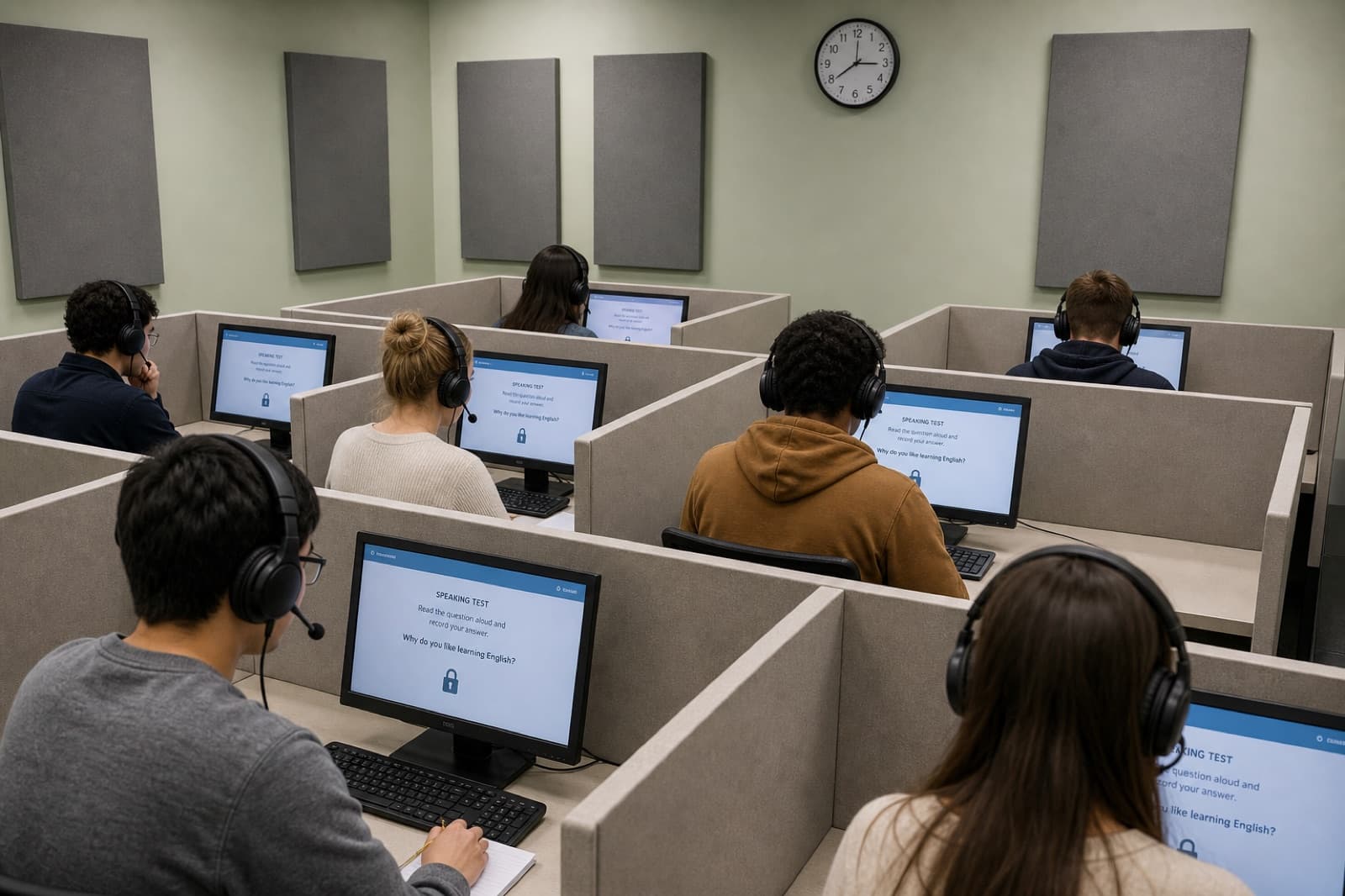
01Computer-based delivery
- In operation
- A locked prompt, timing and headset path that feels the same at every site.
- Product signal
- Controlled capture, completeness checks and a response that can enter the scoring pipeline.
Run computer-based speaking tasks with stable scoring, item-level evidence and reports that teachers and administrators can review.

Schools, districts, publishers and examination service providers
/three assessment moments
The same response set has to be fair for the student, inspectable for the assessment team, and useful for the school—not only fast to score.
01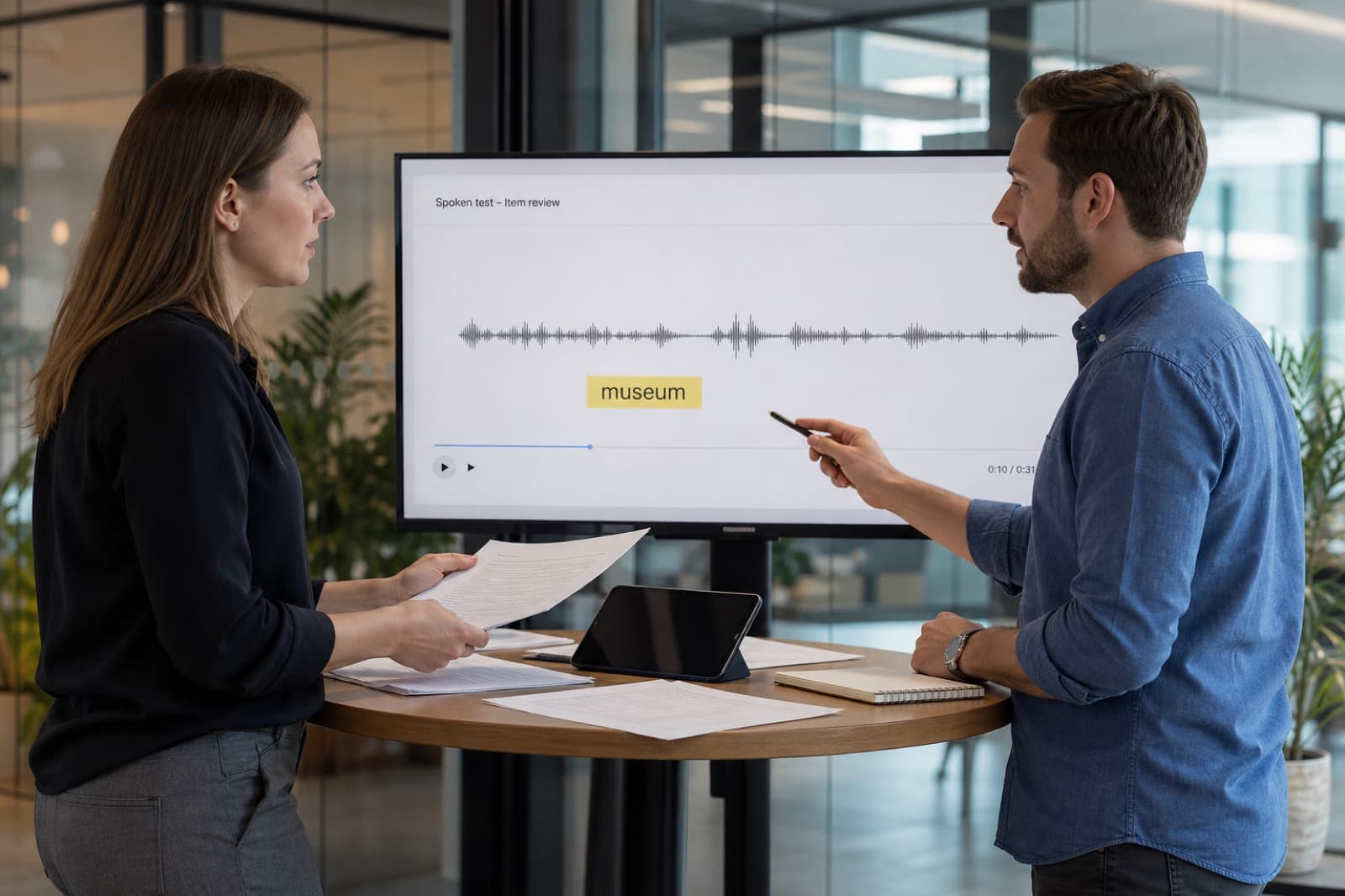 02
02 03
03See the assessment engine, without the agent layer.
Choose the product SDK experience or the MCP agent walkthrough based on how you plan to integrate.
/built for operated assessment
School assessment is not practice with a lock icon. It needs controlled tasks, validation before scoring, a path for exceptions, and reports that different roles are allowed to see.
Lock the prompt, timing, language and recording conditions required by the assessment plan so sites do not invent their own process.
Incomplete audio, duplicates and scoring exceptions stay inspectable. Automated output is compared with the intended rubric before release.
Student, class, item and cohort views should help teaching follow-up—not only produce a grade.
/before a score is released
Decide how automated evidence, human review and reporting fit together before a score is released.
Manual speaking assessment is expensive to coordinate and difficult to standardise.
Repeatable scoring at cohort scale, with evidence for review and teaching follow-up.
/who acts on the evidence
Needs: A fair task and reliable recording process.
Consistent delivery with a clear path when audio is incomplete.
Needs: Stable scoring and explainable exceptions.
Evidence for validation, moderation and reprocessing.
Needs: Results that can guide programmes, not just produce grades.
Cohort and item views connected to teaching follow-up.
/from delivery to report
High-stakes use is an operations problem as much as a scoring problem. Each stage needs an owner.
Lock the prompt, timing, language and recording conditions required by the assessment plan.
Check completeness and audio quality before a response enters the scoring and reporting pipeline.
Apply the language engine, review exceptions and compare the output with the intended rubric.
Return student, class, item and cohort evidence with the appropriate access controls.
/ready for assessment design
Stable auto-scoring is not enough if retries, missing audio and access control are undefined.
Benchmark representative responses against the intended proficiency or examination standard.
Plan retries, missing audio, duplicate submissions, moderation and audit trails.
Separate what students, teachers, reviewers and administrators are allowed to see.
High-stakes use requires validation on representative candidates, tasks, devices and recording environments, with human review for defined exceptions.
/related scenarios

Speech assessment for young voices.
Open scenario
Give every learner useful speaking feedback, at any scale.
Open scenario
Hear the whole room, not only the learner who raises a hand.
Open scenario