 01
01Companion speaker coaching
- Device experience
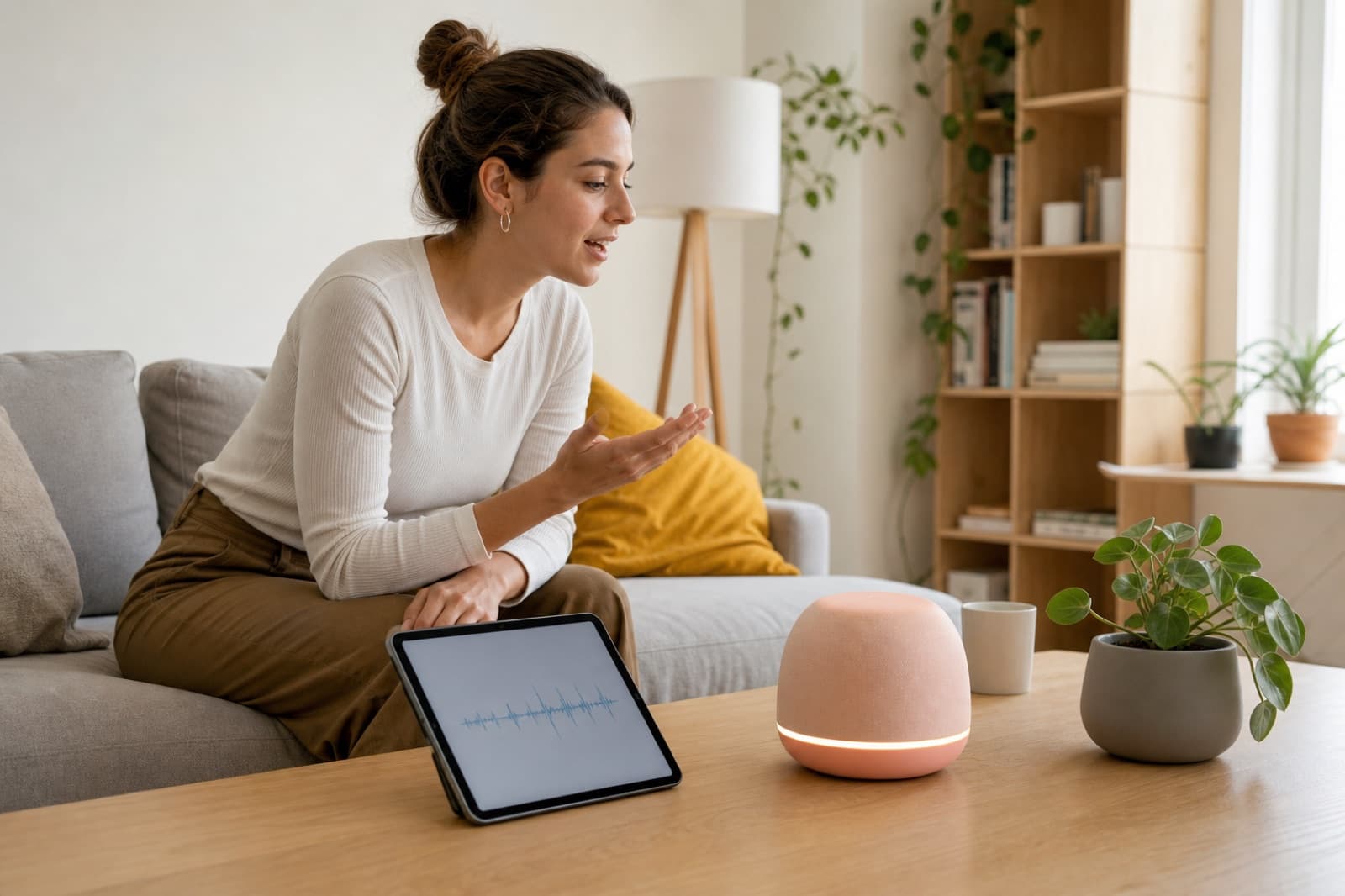
- Ask, listen, respond—without opening a dashboard.
- Product signal
- Streaming evidence and a compact next-step field the firmware can play, light or speak.
Embed listening and speaking assessment into connected learning devices so practice feels immediate, conversational and available away from a screen.
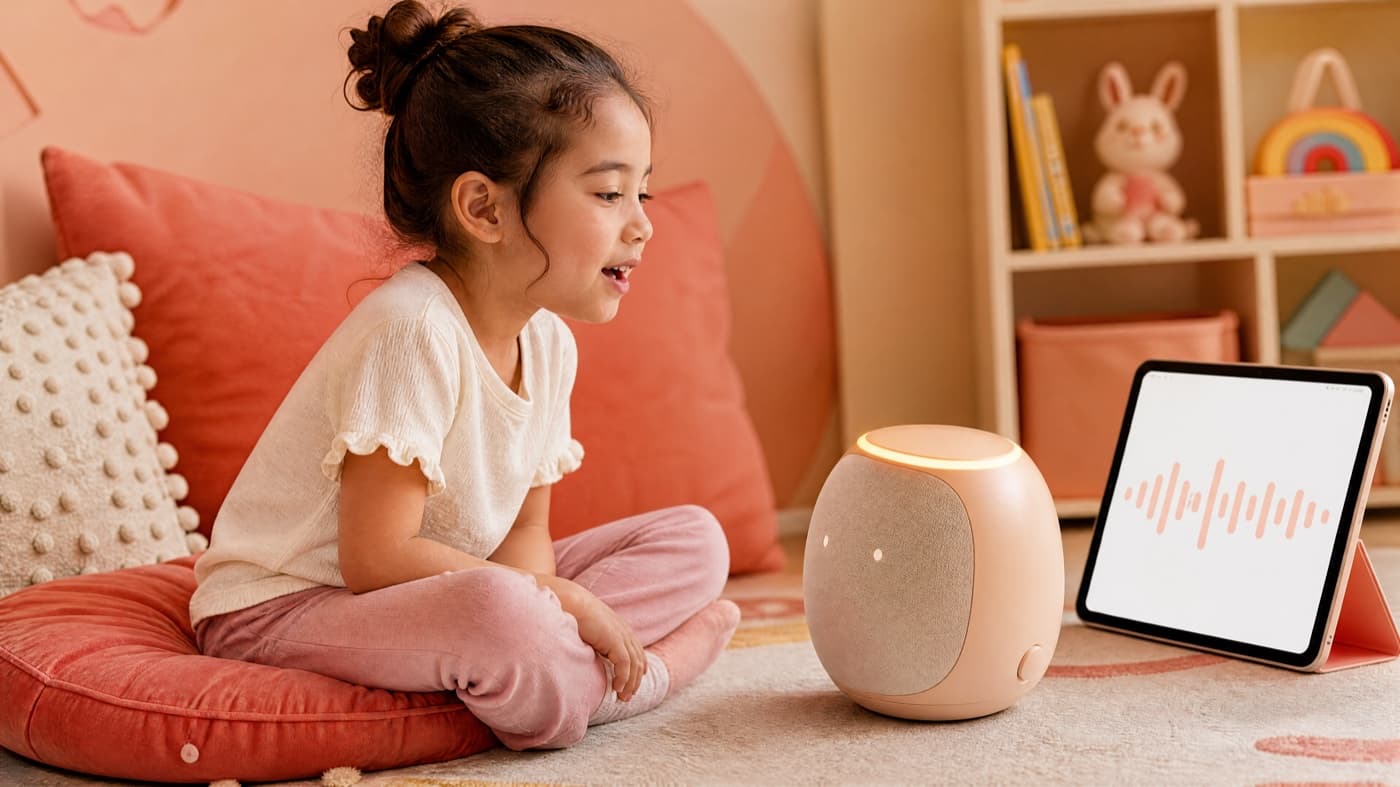
Learning tablets, reading pens, robots, headsets and other connected devices
/three device moments
The same compact evidence can power a companion speaker, a reading pen or a headset drill. The device decides how the next second feels.
01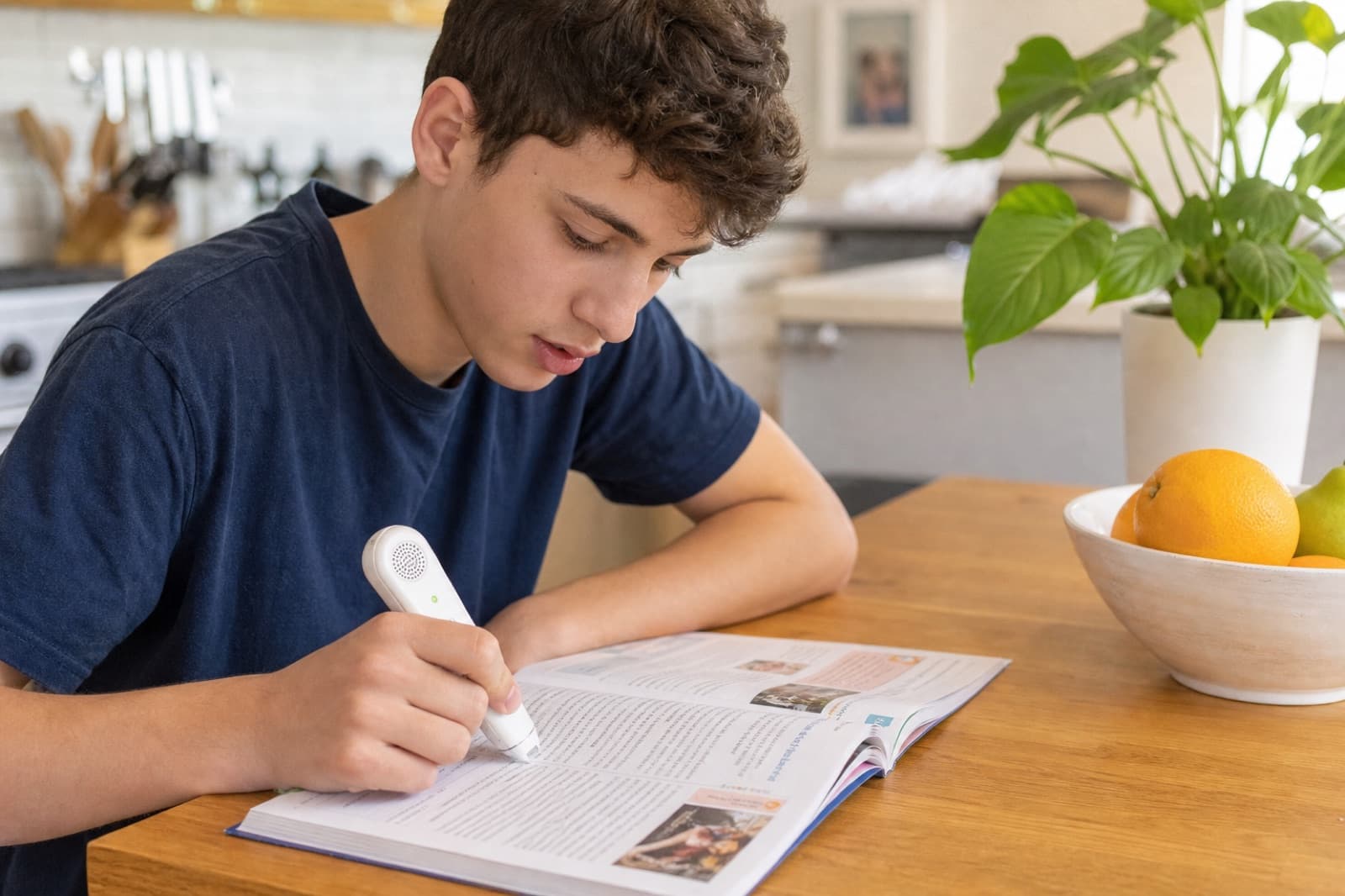 02
02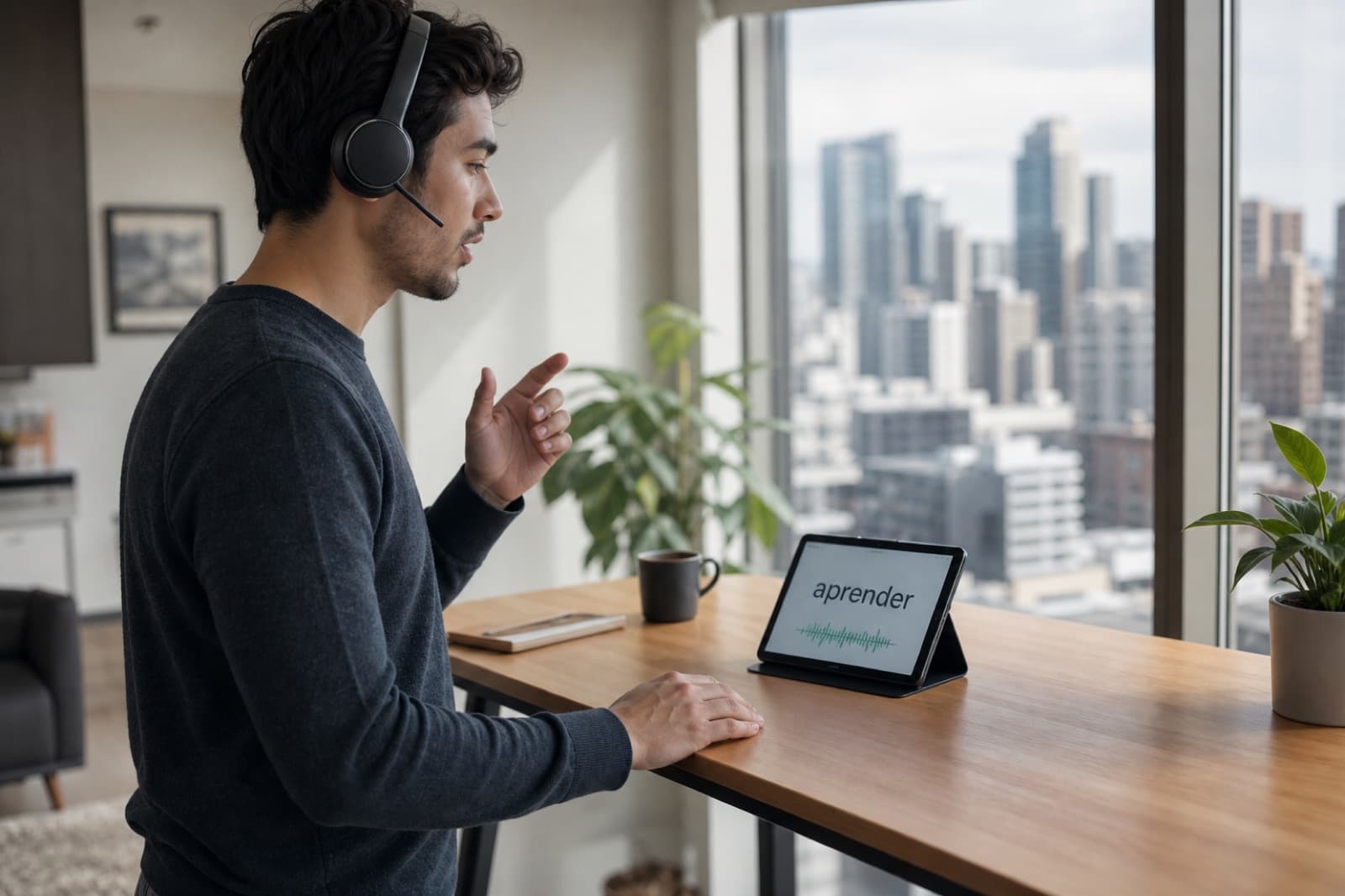 03
03See the assessment engine, without the agent layer.
Choose the product SDK experience or the MCP agent walkthrough based on how you plan to integrate.
/built for connected devices
Hardware teams need a speech contract that fits firmware, microphones and short attention spans. The device should acknowledge, cue and continue—without turning every turn into a score screen.
Return compact evidence fast enough for a spoken retry, a light, a sound or a next card—not a report the learner has to open.
Keep assessment fields separate from firmware and UI so the same scoring layer can map to pens, tablets, robots and headsets.
Clipping, distance, noise and interrupted turns should change what the device says next. Weak capture is not weak pronunciation.
/on the device vs later
Decide which feedback must feel instant on the device and which evidence can be processed or reviewed later.
A voice-enabled device needs more than speech-to-text to correct pronunciation well.
On-device experiences that can score, respond and guide the learner’s next attempt.
/who acts on the evidence
Needs: A natural prompt and response that does not feel technical.
Immediate coaching inside the object they already use.
Needs: A predictable speech contract across device versions.
Assessment evidence separated from firmware and interface logic.
Needs: Reusable tasks that work across stories, cards and lessons.
One scoring layer mapped to different device experiences.
/prompt to coach
If the response feels like software, the hardware experience has already failed.
The device asks for a word, sentence or spoken answer at the right moment in the activity.
The microphone path handles wake states, clipping, background noise and interrupted turns.
The engine sends the score and diagnostic fields the device experience actually needs.
The device acknowledges success, gives one cue, retries or continues without turning into a score screen.
/ready for device design
A passing lab demo is not enough. Test representative rooms, distances and speaker volumes.
Set an acceptable response window for each interaction and design graceful fallbacks.
Define what happens when streaming, upload or cloud access is interrupted.
Test representative microphones, distances, rooms and speaker volumes before launch.
Do not treat a weak microphone or noisy room as weak pronunciation; recording-quality signals must shape the device response.
/related scenarios
Speech assessment for young voices.
Open scenario
Give every learner useful speaking feedback, at any scale.
Open scenario
Hear the whole room, not only the learner who raises a hand.
Open scenario